
Project workflow
Create local jobs, reimport updated sources, and recover earlier file versions.
aTelier
Import client files, work segment by segment, use translation memory and glossary support, then export finished work from a local-first desktop app. Free for 30 days, then a one-time $149 license — no subscription.
Download
aTelier is installed on the translator's computer. Project files, TMs, backups, and exports stay local.
Signed desktop build for local project work.
Signed 64-bit installer for Windows 10 and Windows 11.
Create local jobs, reimport updated sources, and recover earlier file versions.
Import, search, and update one or more memories with project-wide concordance.
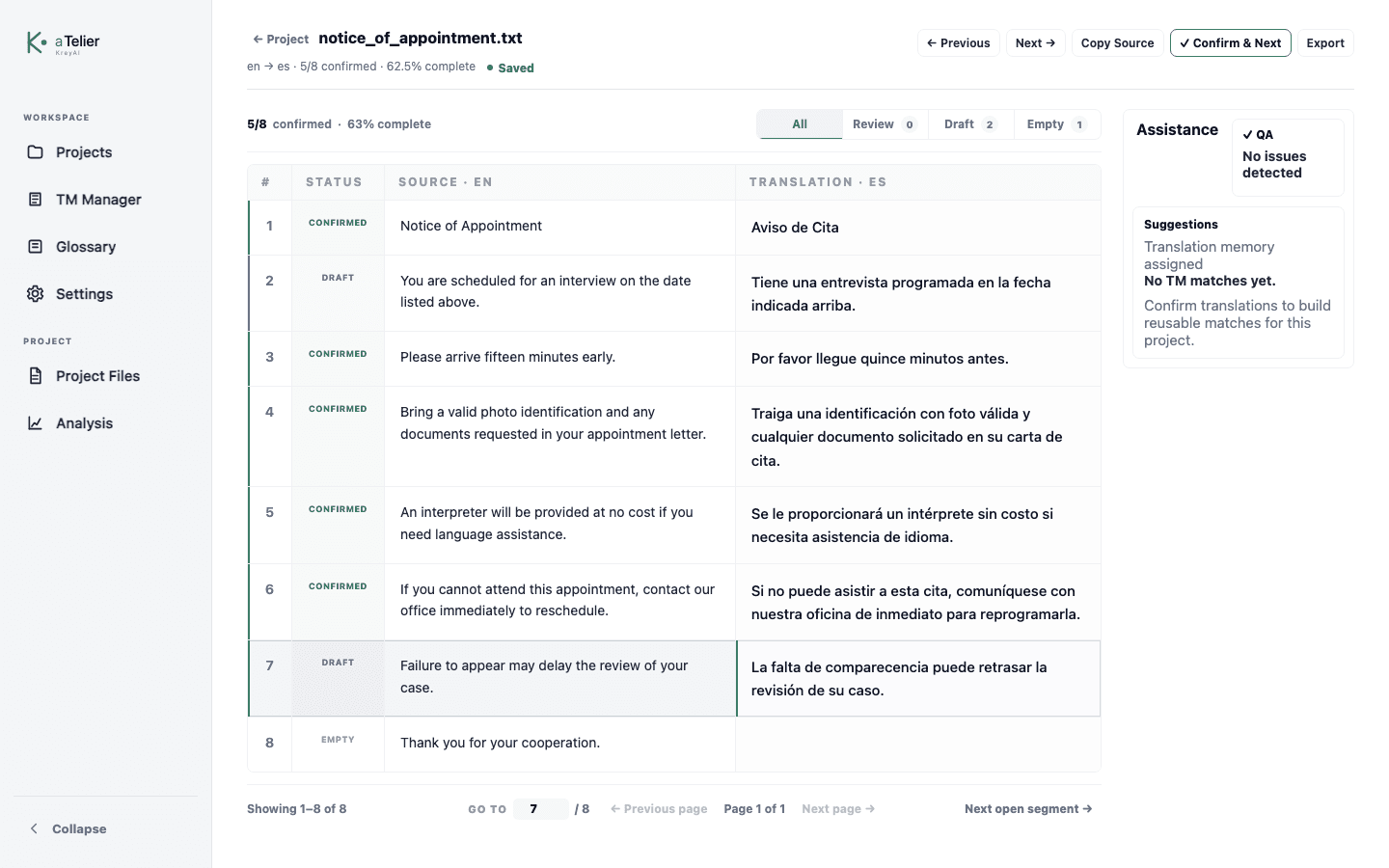
Translate side by side with file-wide QA, comments, formatting warnings, and export.
Install
Choose the macOS DMG or signed Windows installer.
On macOS, drag aTelier into Applications. On Windows, run the installer.
Launch aTelier and create your first local project.
Pricing
Try aTelier free for 30 days, then continue with a one-time license for one computer. The license includes updates for the current major version.
Local-first
Client files stay on the translator's computer.
Translation memories are stored locally unless the user exports or moves them.
Update checks look for a release manifest; they do not upload project data.
Send feedbackNo. aTelier is designed as a local desktop CAT workspace. Project files, translation memories, and backups stay on the computer unless the user exports or moves them.
No. aTelier Classic is a CAT tool for human translators. It focuses on translation memory, bilingual editing, QA, project files, and export workflows.
Yes. aTelier 0.1.14 is available as a signed 64-bit installer for Windows 10 and Windows 11, alongside the macOS release.
No. aTelier Classic is a one-time purchase for one computer. It includes updates for the current major version, with no recurring fee.